
From Deep Connection Innovation

One app. Every step of your child's care.
FitQuest connects your child's screenings, therapy plan, home activities, and progress updates with their Kiddicove care team, so nothing gets lost between appointments.
Pre-register for FitQuest

Built by the team running Kiddicove child development centers in Gurugram, Dehradun and Hyderabad.
Why FitQuest exists
Every child has a right to development.
- 01
Right to Life
Article 21, Constitution of India
Every child's survival and dignity.
- 02
Right to Development
UN Convention on the Rights of the Child, Article 6 · ratified by India, 1992
Promised to every child. Checked for almost none. FitQuest is how a family checks.
- 03
Right to Education
RTE Act, 2009
Every child is in school.
FitQuest is the parent app from Deep Connection Innovation that connects a child's therapy plan, sessions, and home activities with their care team at Kiddicove.
Between appointments, a lot gets lost.
A session ends. You get a quick recap, maybe a printed sheet. By the time you're home, you're trying to remember exactly what the exercise was, whether you're doing it right, and if any of it is actually working. FitQuest closes that gap, instead of adding another app to manage.
Our Solution
FitQuest — screening any child, anywhere
No Medical Training Required
Anyone, anywhere
Designed for parents, teachers, and social workers, not just clinicians.
No medical training required
Gamified, camera-based assessments that are measurable, playful, and personal.
Do it at home
Screen your child in their natural environment without clinical pressure.
The vision
A growth card for every age, like the vaccination card every newborn gets.
Every family knows which vaccine is due at six weeks, ten weeks, nine months. Almost no one is told what a child should be doing by then. FitQuest is built to make development just as checkable: an age-by-age milestone list you tick through, that turns into a screening the moment something is missing.
- 01
Checkable at every age
From two months to eighteen years, the same questions clinicians use, in plain language.
- 02
A record that follows the child
Each age's card is kept, so a pattern across months is visible, not just one moment.
- 03
One tap from list to screening
A missed milestone opens a proper age-banded screening in the app, reviewed by a clinician.
Free · printable. 8 age bands, birth to 5 years, 6 areas of development, to print and keep.
Try it now
Pick your child's age and tick what they already do. It stays on this device.
By 9 months
Tick what your child already does.
0 / 13
ticked
Social & emotional
Language & communication
Learning & thinking
Movement & physical
Up to age 5, milestones are what 75% or more of children can do by that age; from 6 up they describe typical changes for the age band. Missing one is a reason to ask, not a diagnosis. Source: CDC milestone checklists (to 5 years) and CDC child development age-band guides (6–17 years)
Pre-register for FitQuestHow it works
From first screening to daily practice
Start with a screening.
Screen your child right in the app, or begin with a consultation at a Kiddicove center.
Get a plan built around your child.
Your care team sets a therapy plan mapped to your child's exact needs, visible in FitQuest the moment it's set.
Practice at home, guided.
Follow along with videos and exercises, and submit proof of practice between sessions.
Watch progress add up.
A visual journey shows real movement over time, not just a folder of old reports.
In the app
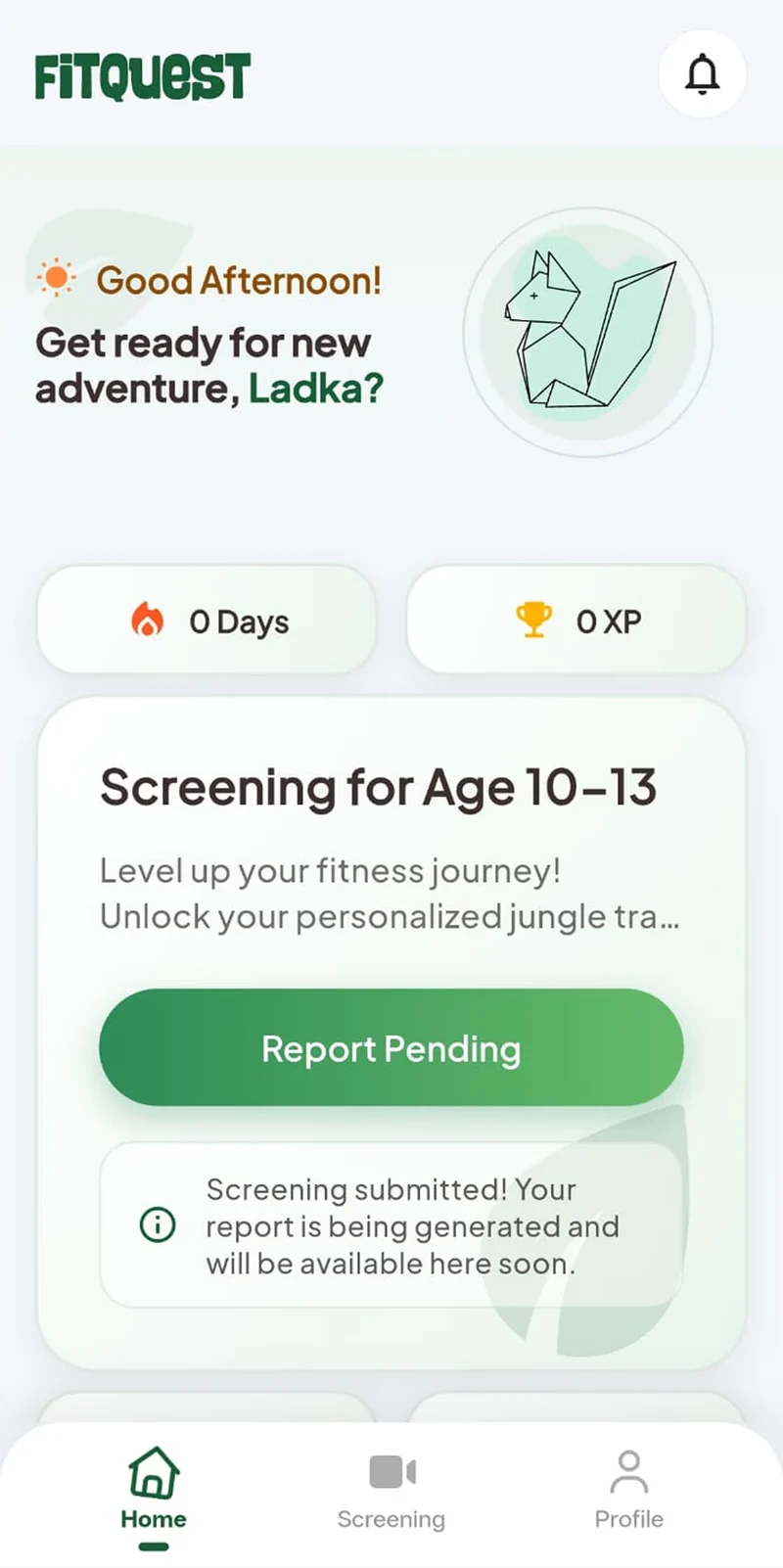
The screening is age-banded, and the report comes after review
A child sees a screening set for their age band. Once it's submitted, the app holds the report as pending while it's generated — not an instant score on the screen.
Age-banded from the start
The card reads "Screening for Age 10–13" — the set is chosen by the child's age band, not one generic test for everyone.
Streak and XP, from day one
Days practised and points earned sit at the top of the home screen. A new account starts at zero, and that's what's shown.
Pending, not instant
After submitting, the button reads "Report Pending" and the app says the report is being generated. Nothing is scored on the spot.
Screening is one tap away
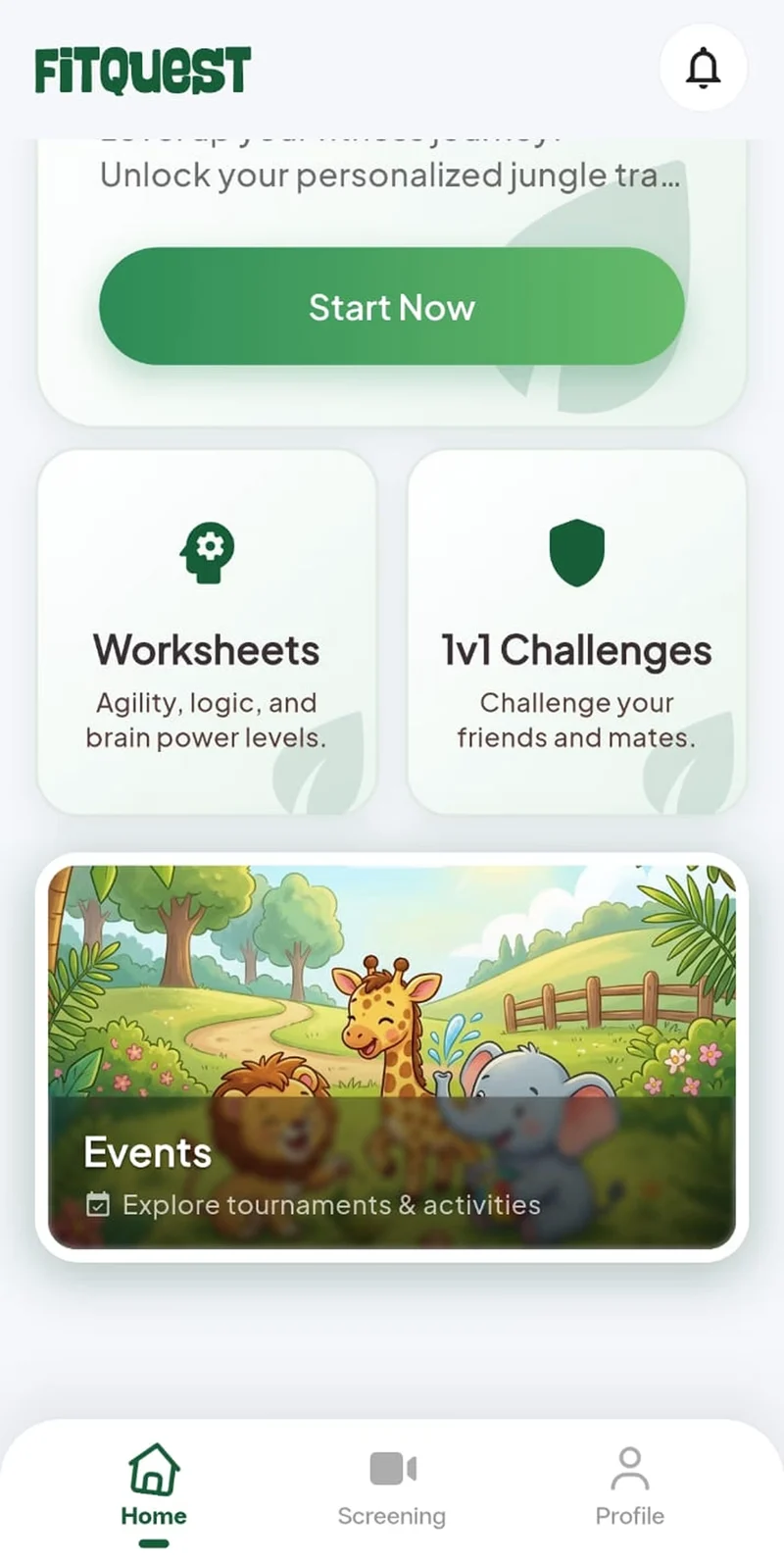
It has its own tab in the bottom bar alongside Home and Profile, so a family never has to hunt for it.
Connected to your care team
Everything your clinician sees, you see too
FitQuest lays your child's care out the way their clinician thinks about it: the condition, how it shows up in your child, who is working on each part, what they are aiming for, and whether it has been reached. Nothing is kept in a file you never see.
01 · Condition
Autism spectrum disorder
Diagnosed at Kiddicove
02 · Symptoms
Delayed speech
03 · Therapist
Speech therapist
04 · Goal
Uses two-word phrases to ask for things
05 · Status
Achieved
02 · Symptoms
Sensory sensitivity
03 · Therapist
Occupational therapist
04 · Goal
Joins group play for ten minutes
05 · Status
In progress · 60%
02 · Symptoms
Difficulty with transitions
03 · Therapist
Behaviour therapist
04 · Goal
Moves between activities with a visual schedule
05 · Status
Just started
Tracked over time
- Month 1Goals set
- Month 31 of 3 achieved
- Today1 achieved · 1 in progress
- 01
The condition
What your child has been diagnosed with, in plain words.
- 02
The symptoms
How it shows up in your child specifically, one by one.
- 03
The therapist
Who has been appointed to work on each symptom.
- 04
The goal
What that therapist is aiming for, written down.
- 05
The result
Achieved, in progress or not yet, and kept over time.
The activity library
Practice that's actually made for this
Every activity is organized by therapy type, speech, ABA, occupational therapy, CBT, and DBT, with video, images, and guides your therapist would actually hand you.
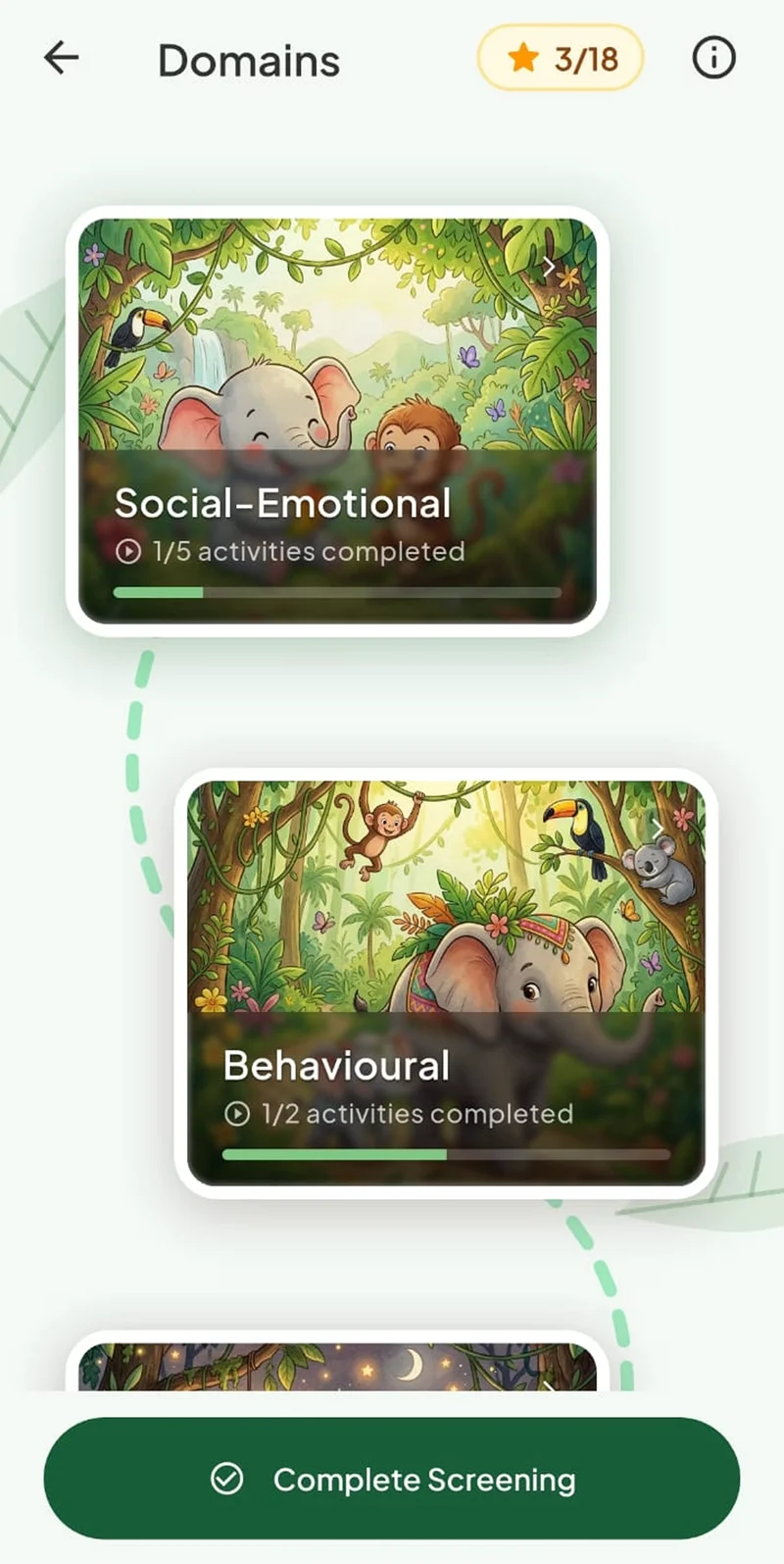
Domains, not a flat list
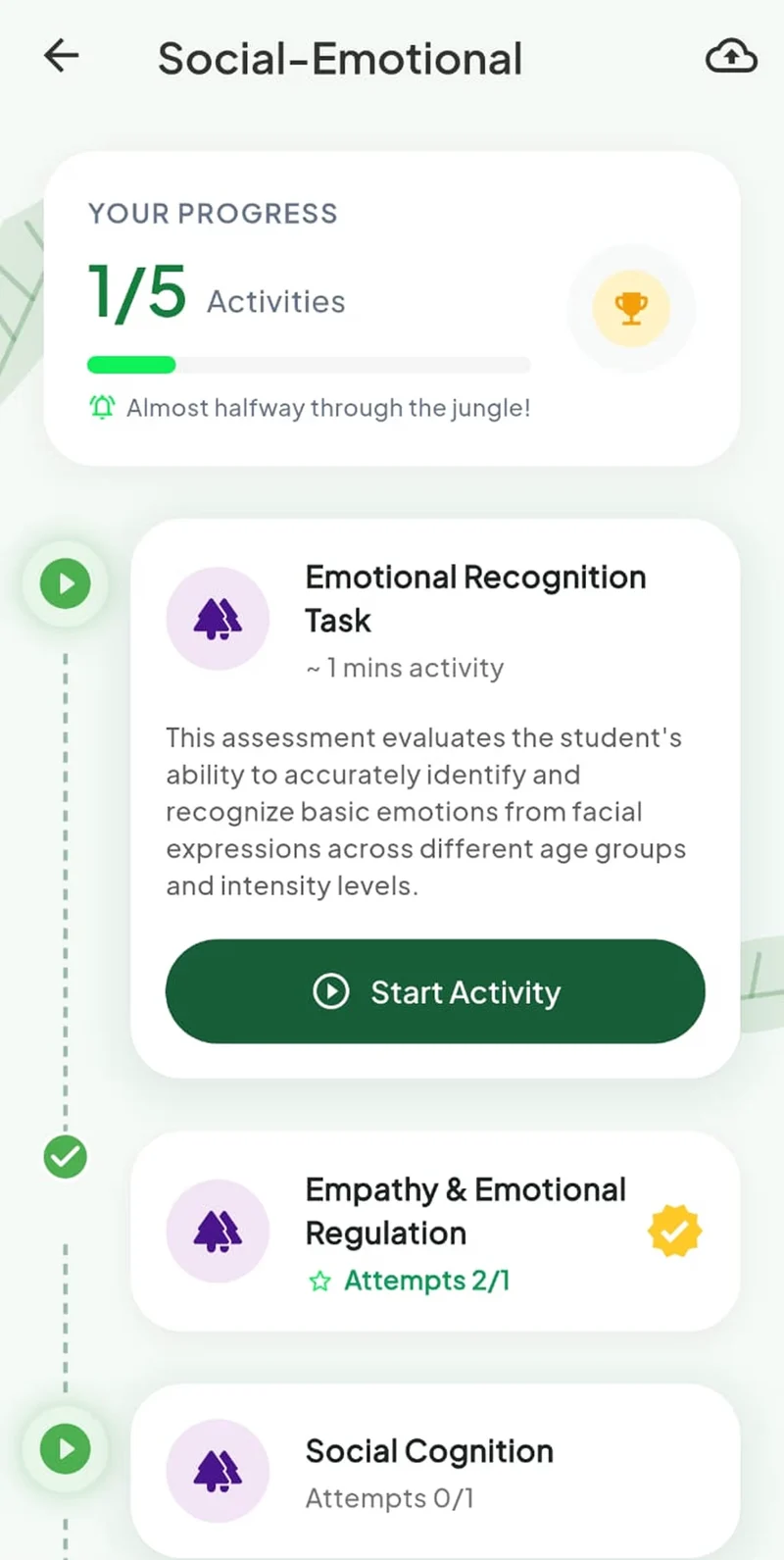
Activities sit inside developmental domains — Social-Emotional, Behavioural and the rest — each with its own completion bar.
One activity at a time
Inside a domain, the path opens one task at a time, with an estimated length and a plain description of what's being assessed.
Progress that's legible to a child
Completed steps, attempts and stars are on the same screen a child taps through, not buried in a parent dashboard.
Submit proof of practice
Straight from your phone, multiple tries if you need them.
You're not doing this alone
See other families working through the same activities.
A library that grows
It follows your child's plan, rather than being a generic catalog.
Progress
Small wins, made visible
FitQuest turns the slow work of therapy into something your child can see and feel proud of.
- 01
A visual journey
Tracks real progress over time.
- 02
Friendly leaderboards
Across the FitQuest community.
- 03
Interim reports
Within minutes of a screening, not days.
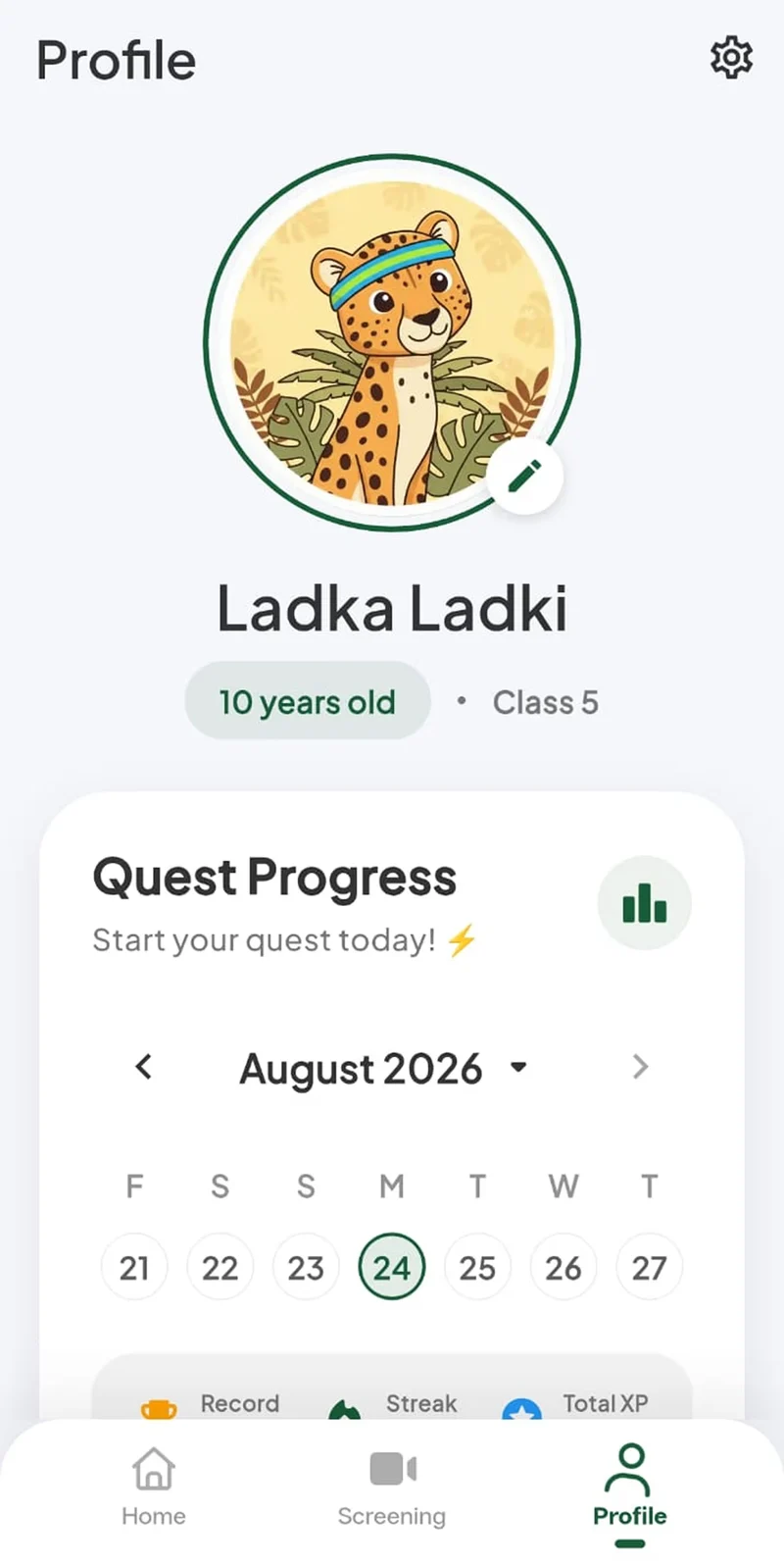
After every screening
Recommendations that adjust as your child does
After every screening, FitQuest surfaces what's next: therapy, assessments, or home plans, based on your child's actual results. For neurotypical children, that includes academic and developmental tracks too, not just clinical ones. A chat assistant is on hand for quick questions any time.
Screening result
- Social-emotional
- Behavioural
- Motor
- TherapyRecommended
- AssessmentsRecommended
- Home plans
- Academic tracks
Low scores in two areas: a fuller assessment, and therapy to start.
Who FitQuest is for
For neurodivergent children. For neurotypical children too.
FitQuest isn't only for families managing a diagnosis. Whether your child is working with a speech therapist or you simply want a structured way to track development and home learning, FitQuest adapts to what your family actually needs.
Neurodivergent children
Families managing a diagnosis, working with a speech, ABA, occupational or behavioural therapist.
Neurotypical children
Families who want a structured way to track development, home learning and academic goals.
Your child's data. Your rules.
Every share, whether to a pediatrician, a teacher, or anyone else, starts with your consent. Nothing about your child's care moves without you saying yes first.
Why FitQuest exists
Built by people who run the clinic, not just the software
FitQuest comes out of Deep Connection Innovation, the company behind Kiddicove's child development centers. This wasn't designed by guessing what a care journey should look like from the outside. It follows the same five-stage model Kiddicove runs on the ground: detection, consultation, diagnosis, therapy, and longitudinal monitoring, built by people who see what breaks between appointments every single day.
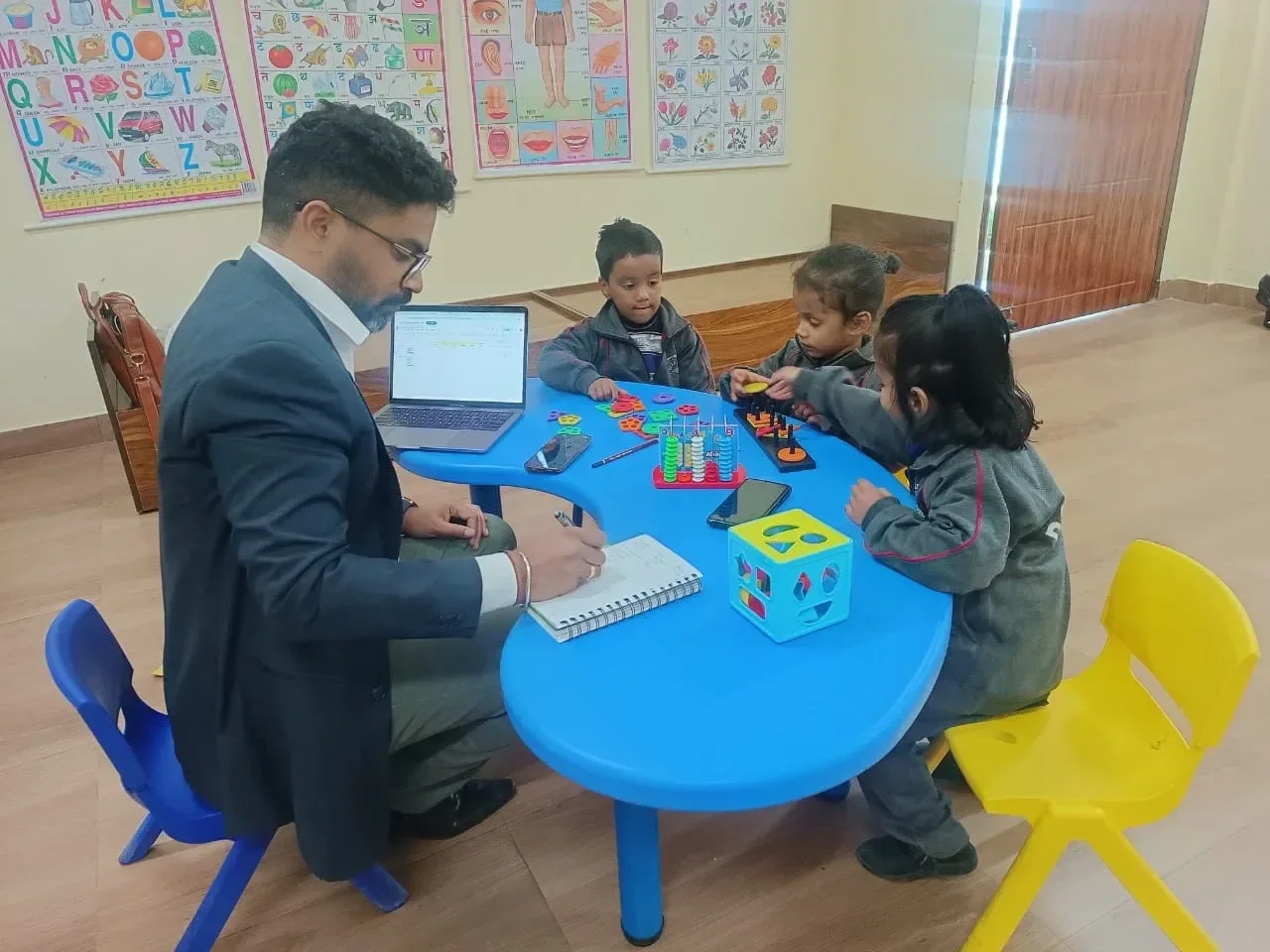
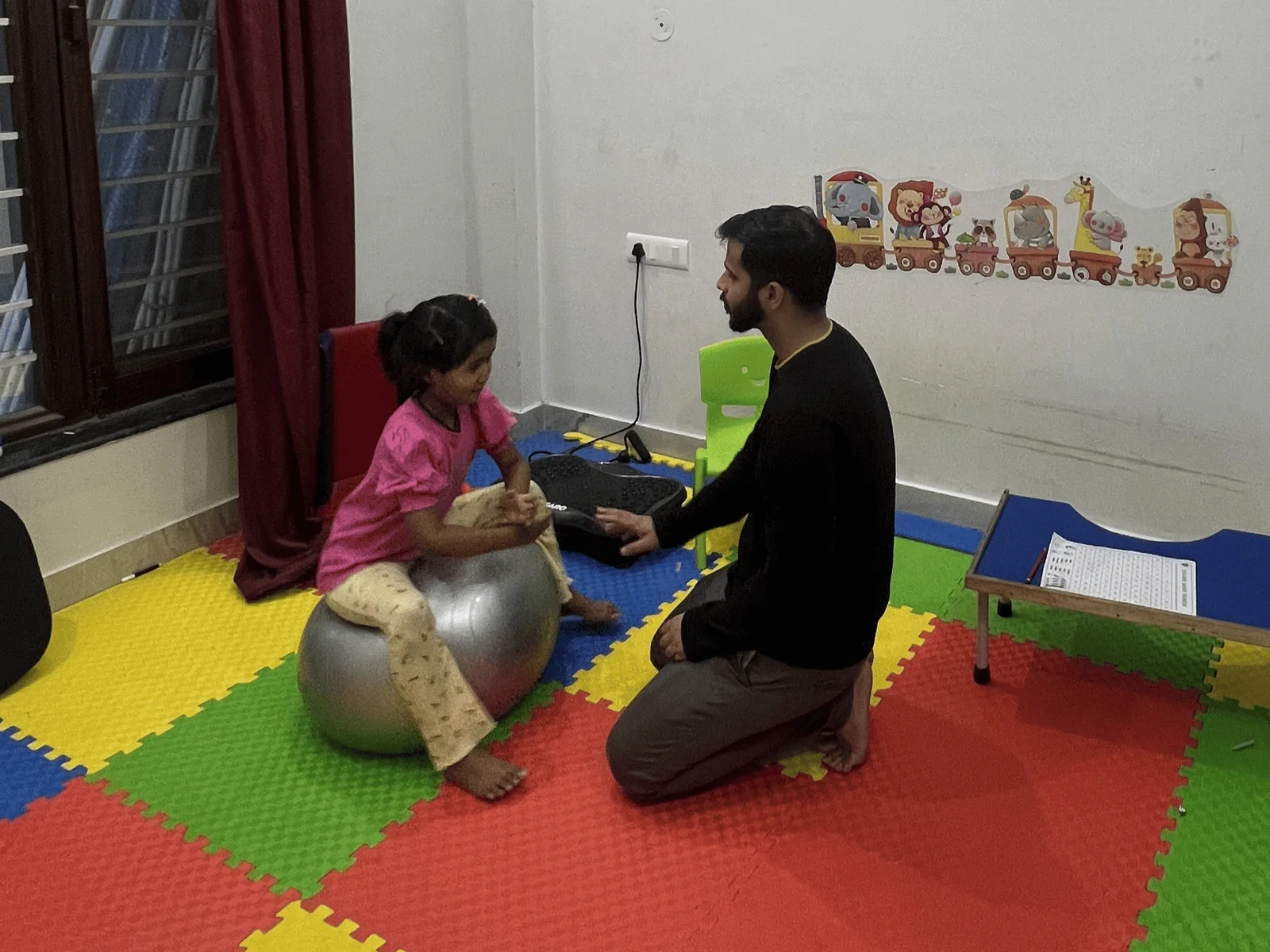
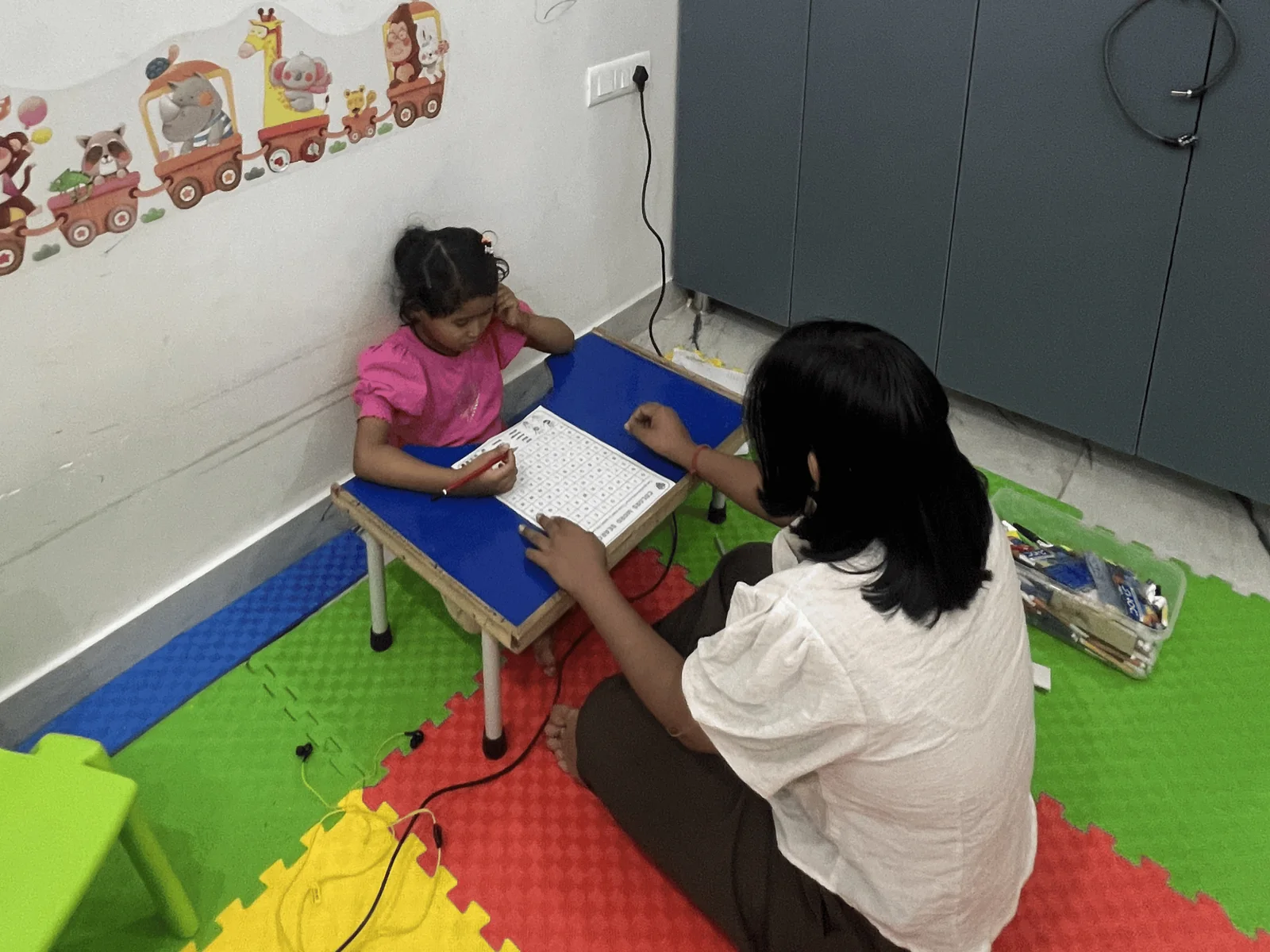
Real sessions at Kiddicove · shared with consent
The model we run, and what it became
On the ground at Kiddicove In FitQuest
- 01
Detection
A concern is spotted early
Age-banded screening, in the app
- 02
Consultation
A clinician reviews the case
Book a session without a phone call
- 03
Diagnosis
A standardised assessment
Reports and documents in one place
- 04
Therapy
Sessions with a therapist
Guided practice at home, between sessions
- 05
Longitudinal monitoring
Progress followed for years
A visual journey of real progress
FAQ
Questions, answered plainly
FitQuest is the parent app from Deep Connection Innovation that connects your child's therapy plan, sessions, and home activities with their care team at Kiddicove, all in one place.
Start with a screening. Stay for the whole journey.